//
Family tree
November 2026For years our family tree lived in a desktop genealogy app on one computer. I wanted it on this site instead, where the rest of the family can browse it, add what they know and attach the photos sitting in their own albums. So I built a family tree into nakamoto.ca: person pages, ancestor and descendant charts, an editor, sources, and private photos.
The tree is private. It only shows up for family members I’ve given access to by their Google email, and anyone else gets a plain “not found”. This page is the tour.
How it’s built
- Plain PHP and MySQL, like the rest of the site, written with AI coding tools in a few days
- Shaped like GEDCOM, the standard genealogy file format, so the tree came in from the desktop app and can go back out to any other genealogy program
- Every tree photo is stored privately and shown through short-lived signed links, never a public URL
- Family members get one of two roles: view the tree, or view and edit it
What it does
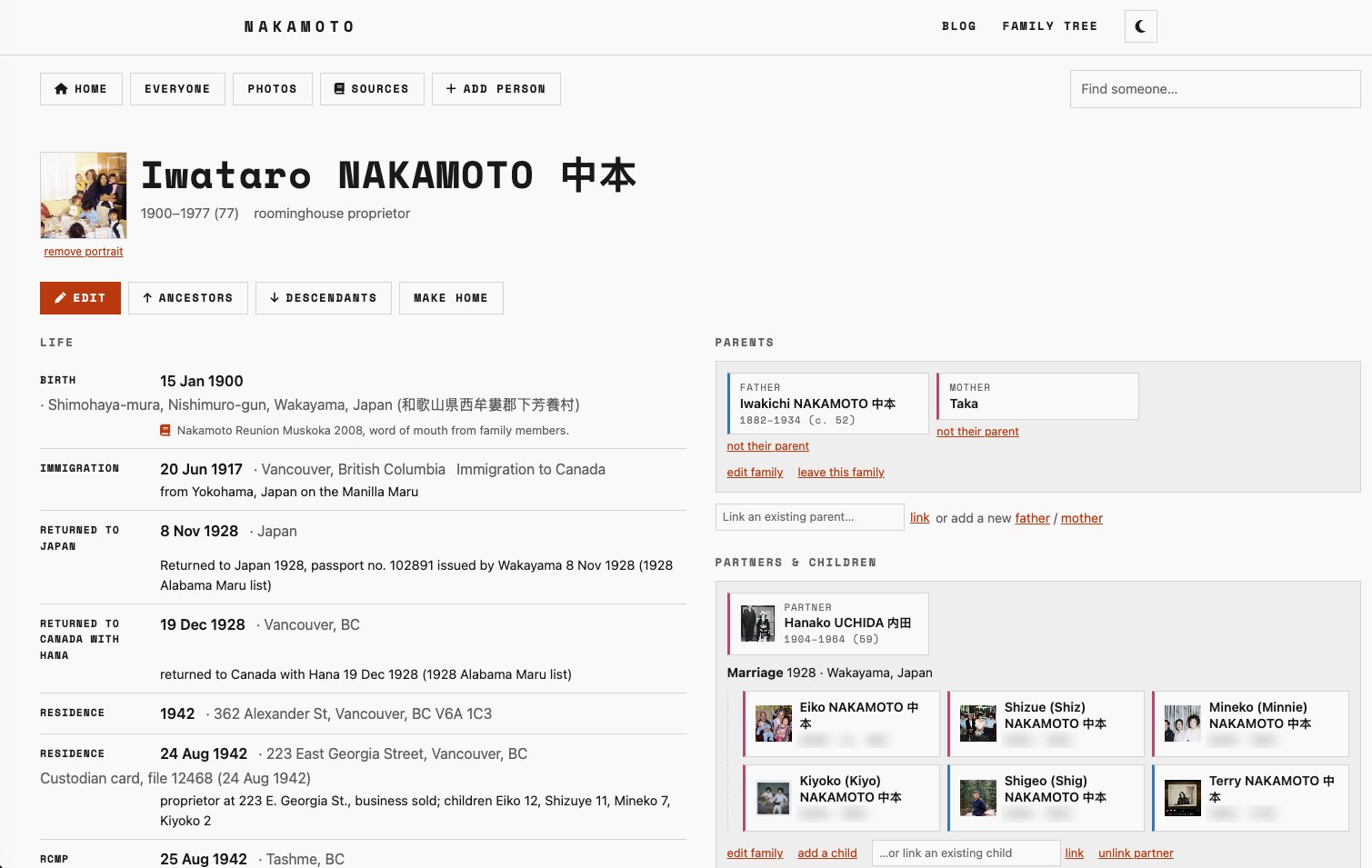
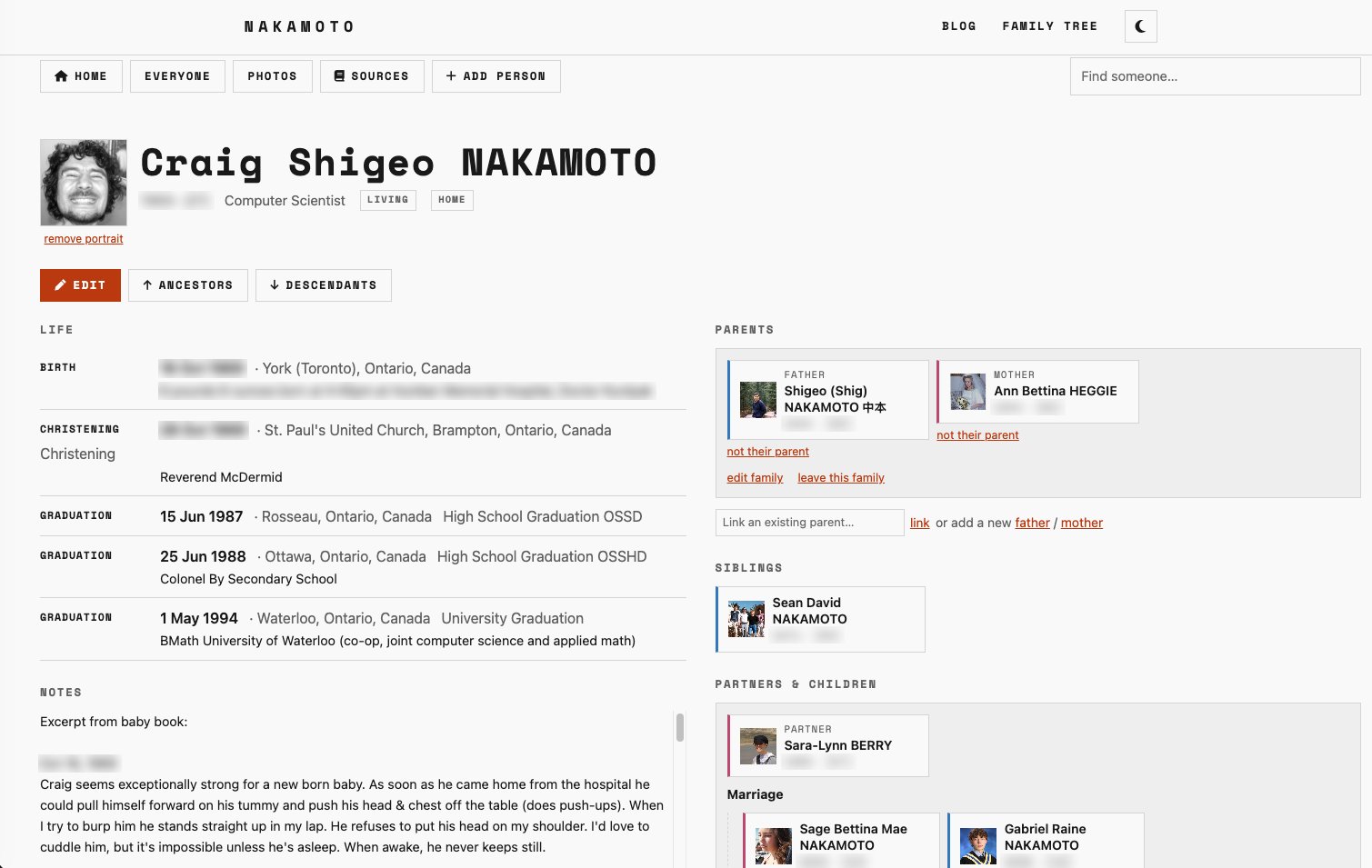
- A page for every person: life events, notes, parents, siblings, partners and children
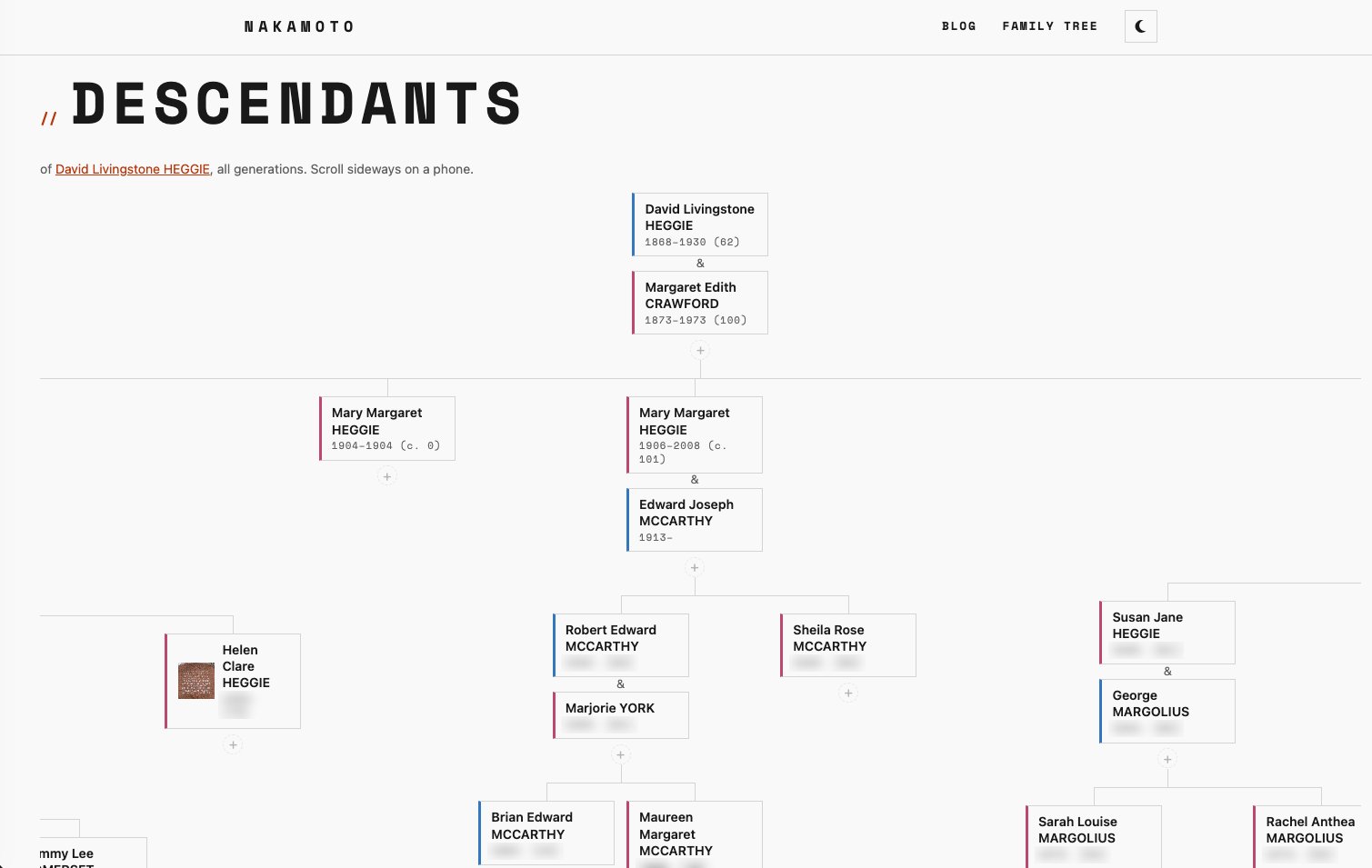
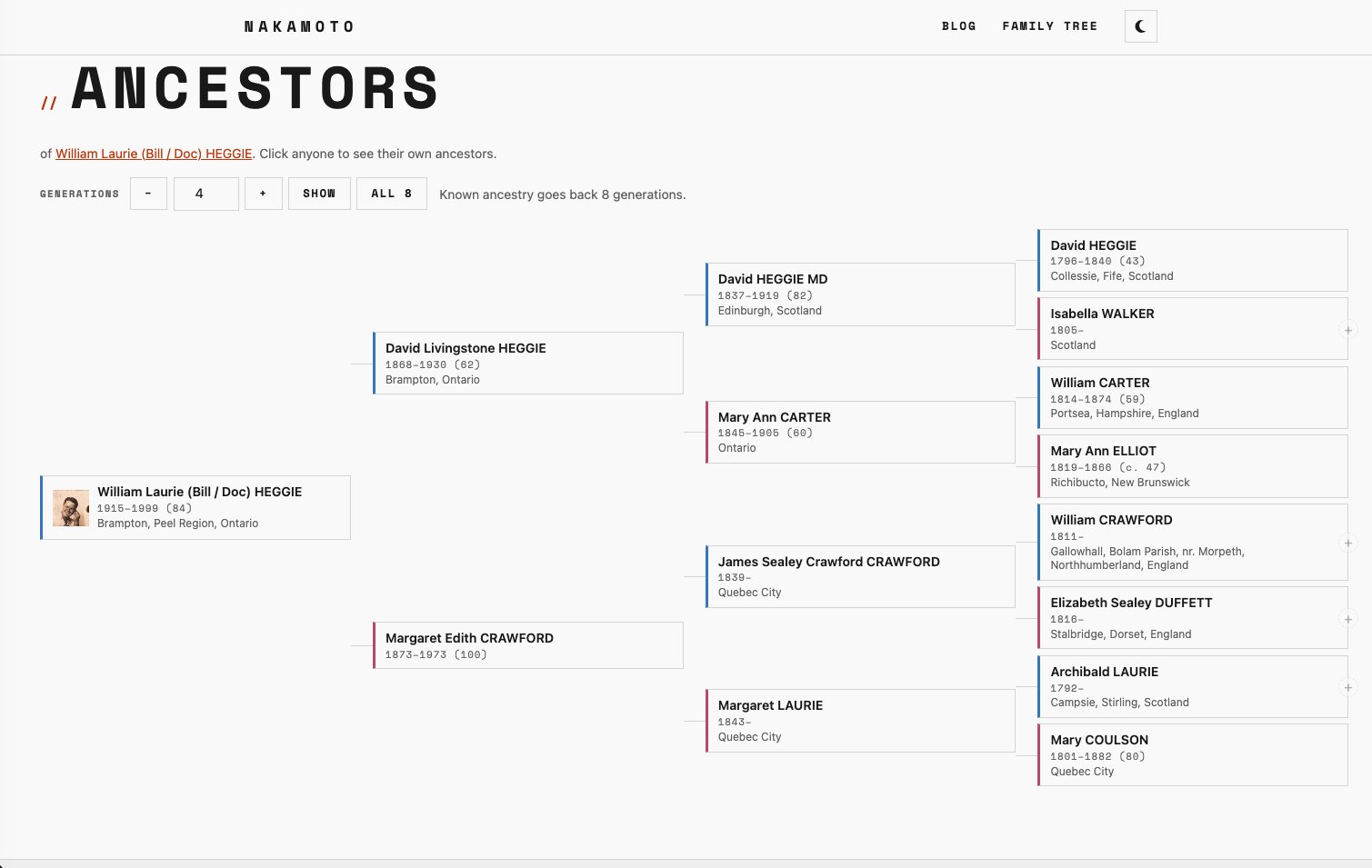
- Ancestor and descendant charts, as many generations as the tree knows
- An editor for people, families and events, plus a search to find anyone
- “Make home”: each viewer picks the person the tree opens on
Recent work
- Sources and citations. Every fact can point to where it came from: a passenger list, a census, a reunion booklet, a conversation. A citation can sit on a whole person, just their name, a family or a single event.
- Current source. Pick the record you’re working from, and every edit you make while it’s set cites it automatically. Transcribing a whole document no longer means citing it twenty times.
- Living or not, worked out for you. Recording a death, burial or cremation marks a person as no longer living, whatever the checkbox said.
- Photo tagging. Hover over a photo to see everyone in it. People who aren’t in the tree yet can be tagged by name alone, and linked to their page later once they are.
- Portraits. A person’s portrait is their first linked photo, and “remove portrait” drops it without unlinking the photo.
- Duplicate photo detection. Before uploading, the browser fingerprints each file and warns when the same photo is already in the tree, so you can skip it or upload it anyway.
- A home for each viewer. Everyone who can see the tree chooses their own home person, so my cousins land on their own branch, not mine.
- GEDCOM merging (in design). Upload a GEDCOM file from another relative’s research and see exactly what it would add or change before anything touches the tree. The preview works today; applying the merge is next.
Screenshots